Introduction
Welcome to Yahaha! Yahaha is a low-code, user-generated content (UGC) platform that democratizes game development, allowing creators of all skill levels to build, edit, and share 3D interactive experiences. It features an all-in-one IDE that integrates various game kits, tools, and APIs necessary for 3D game creation and publication.
Starting with Party Game Kit, Yahaha aims to empower anyone to become a 3D content creator. The recently introduced Horror Game Kit simplifies complex game mechanics into prebuilt systems and customizable components, making it easier for you to develop thrilling games.
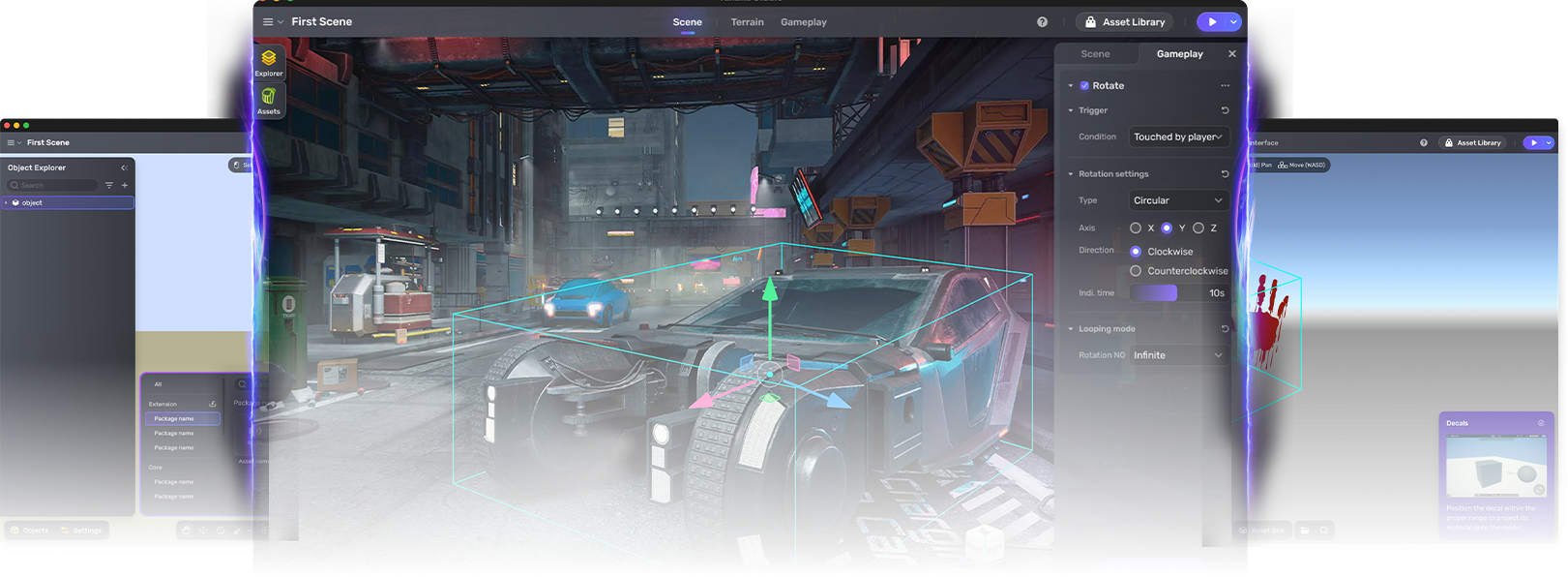
Explore Yahaha
How to install Yahaha and discover what you can do with it.
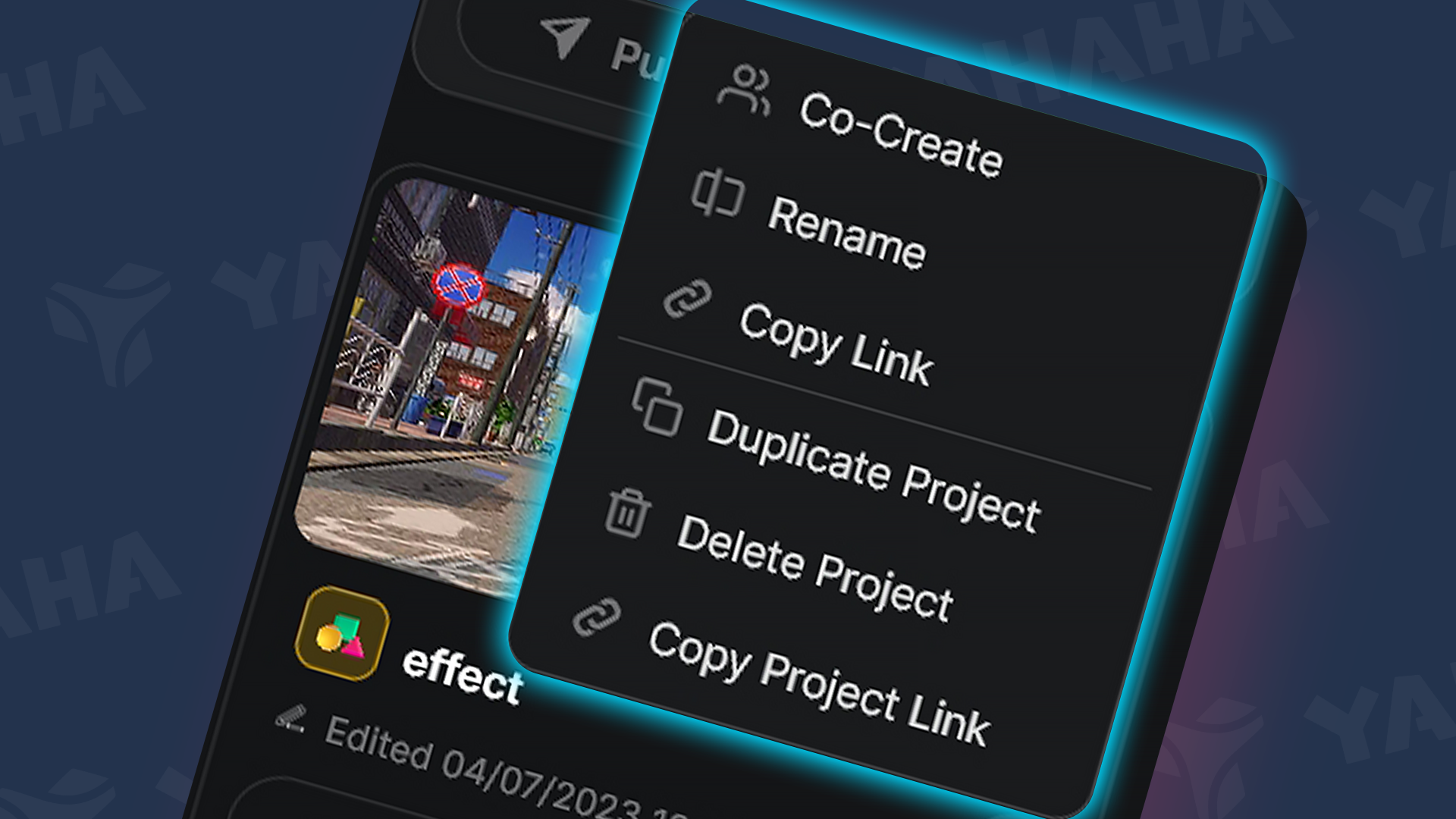
Projects
Organize your work into projects, create games, and play with others.
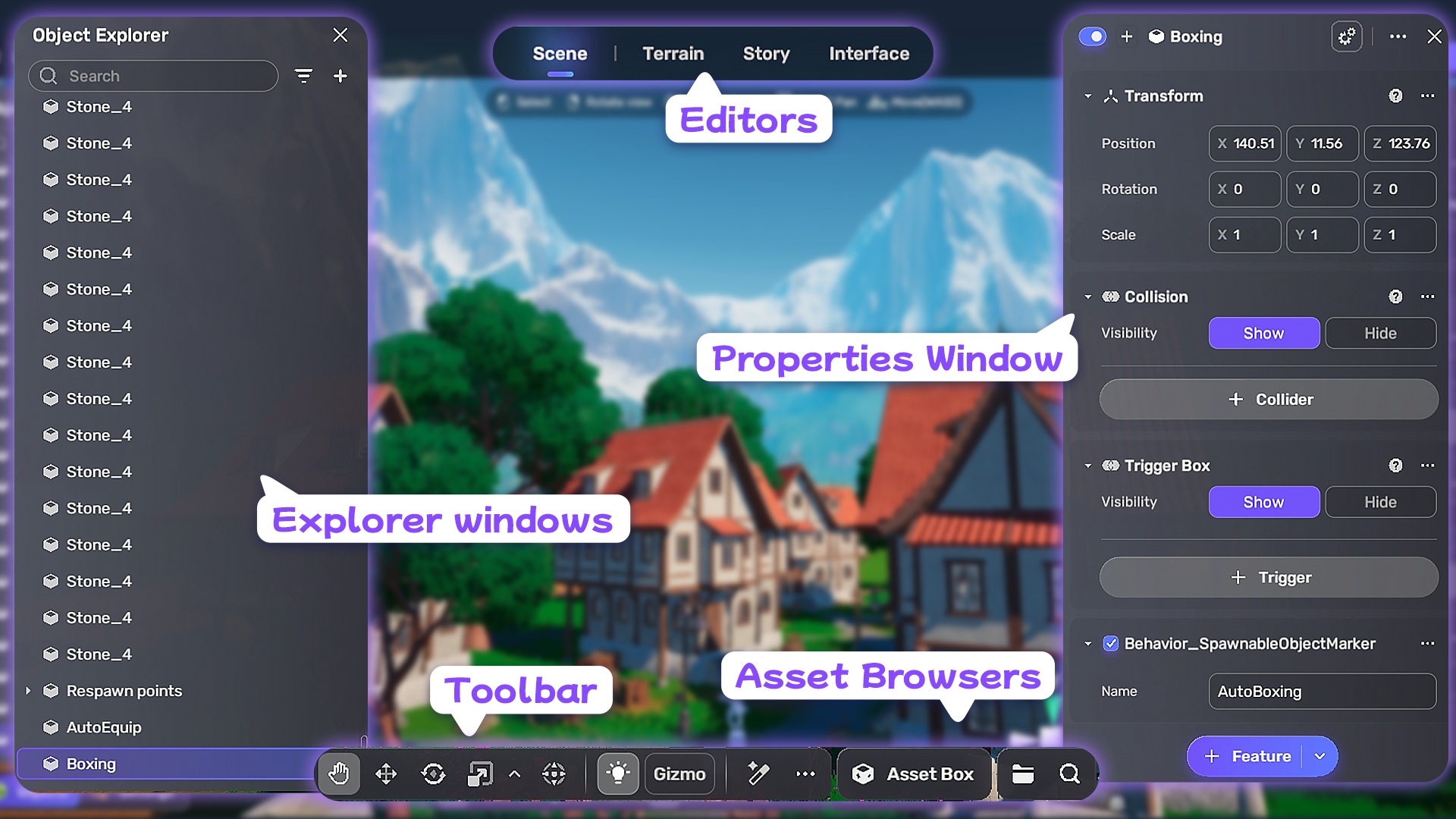
Studio interface
Learn the core editors for scene, terrain, and UI.
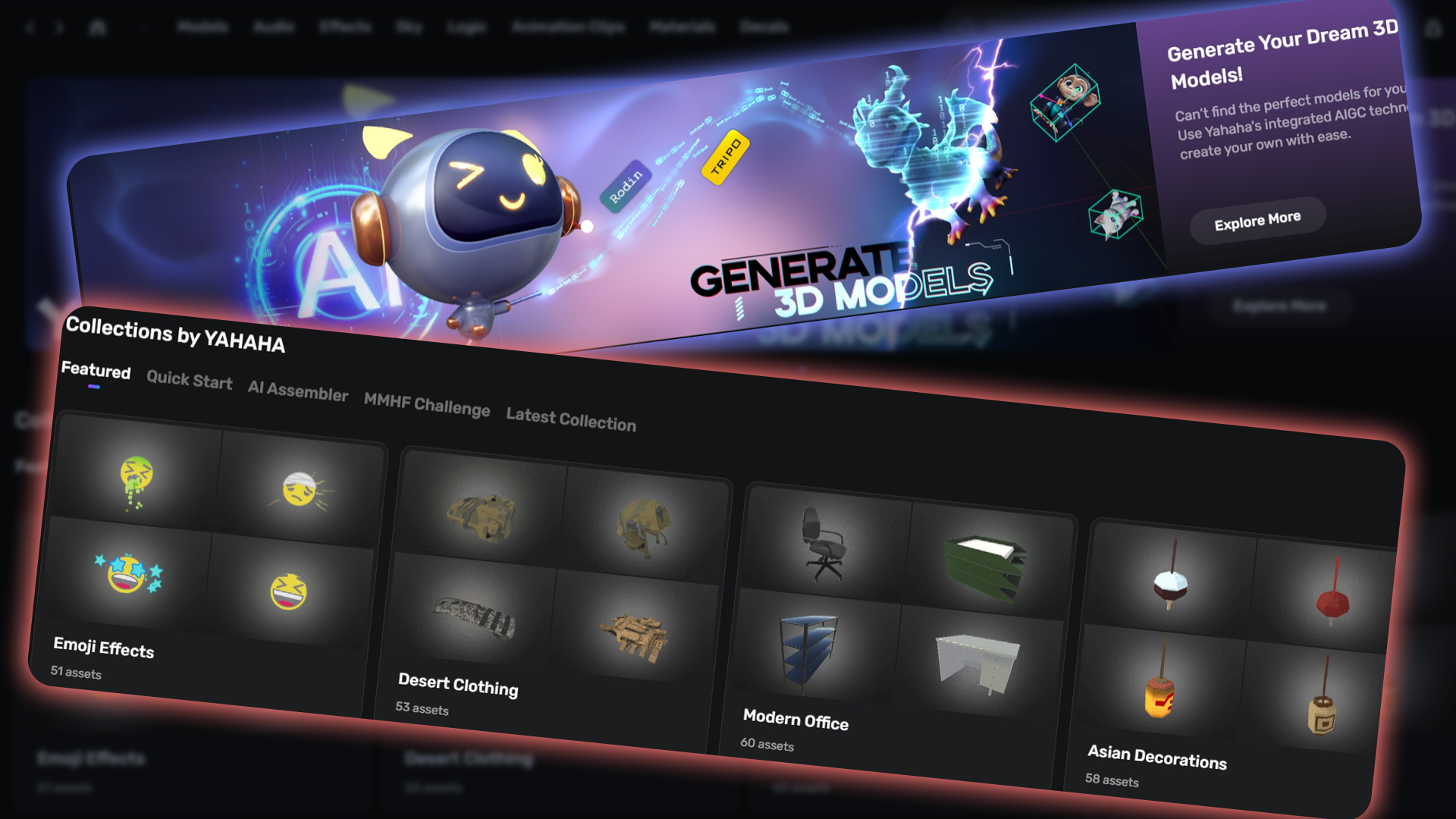
Assets
Access your game's assets—models, images, audio, and more—from Asset Library, by importing, or by creating them directly.
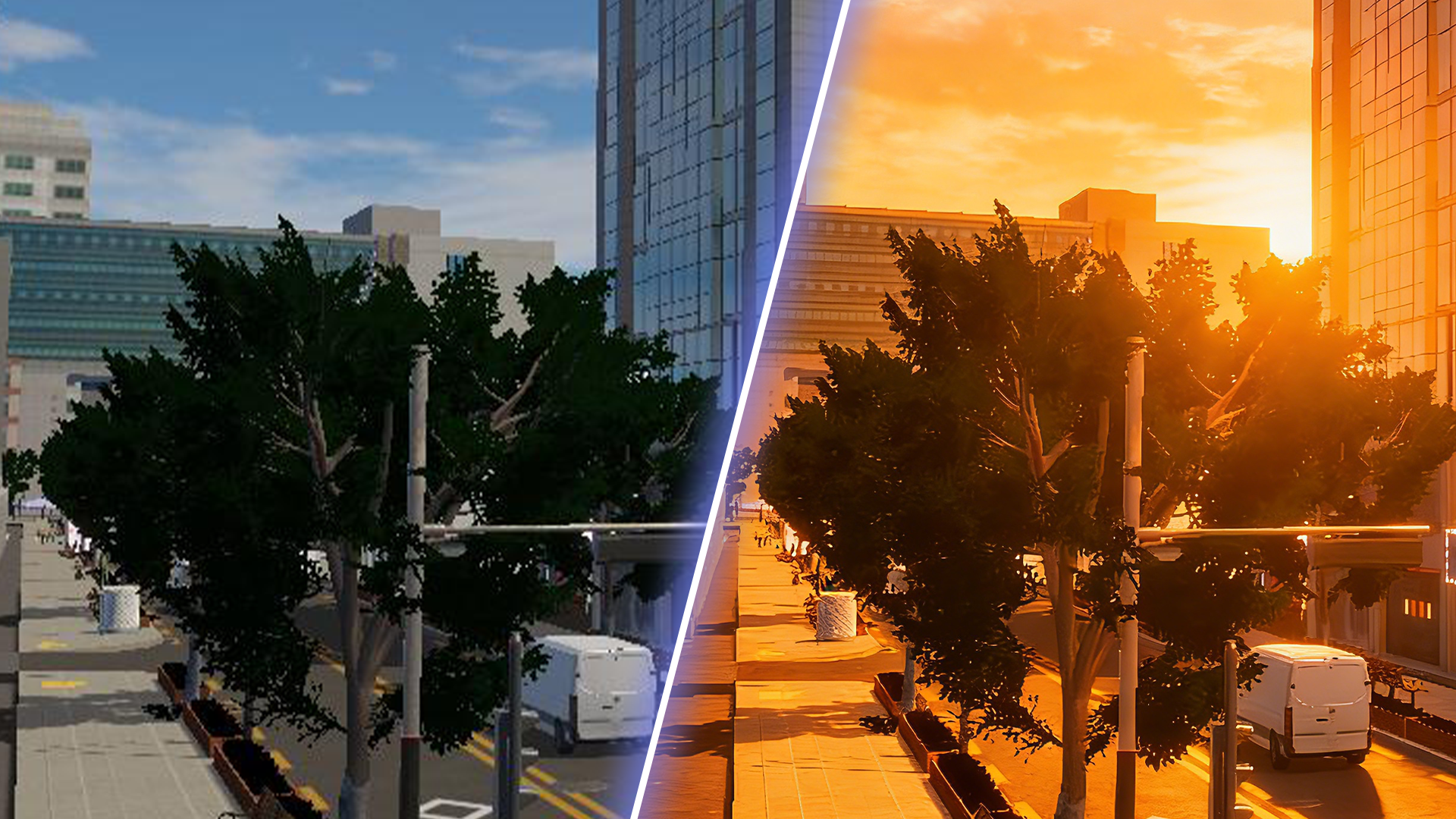
Environment
Configure skybox, sunlight, weather, post-processing effects, and scene details to establish mood and realism.
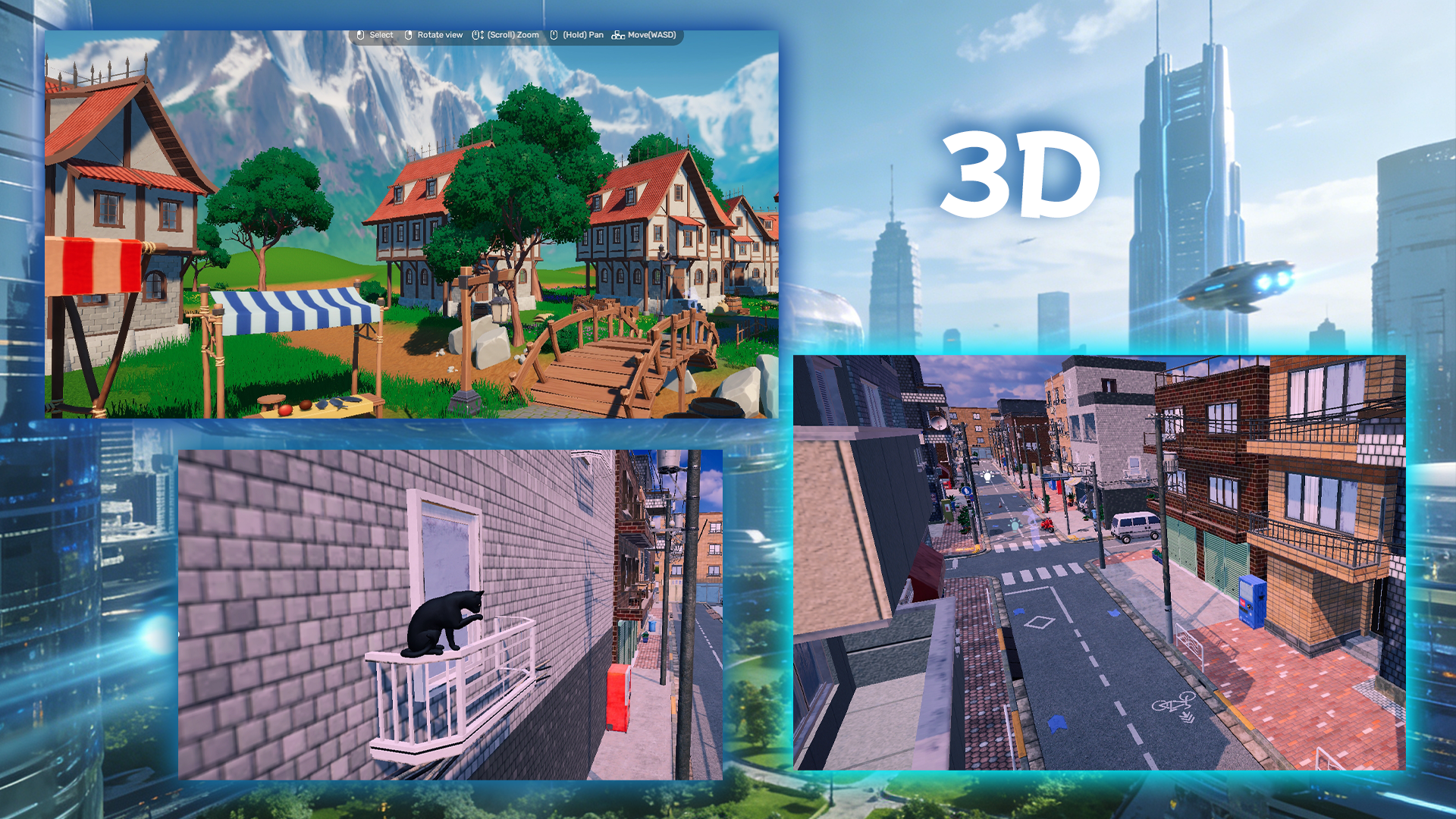
3D game world
Build and populate a scalable 3D world with interactive objects and navigable space.
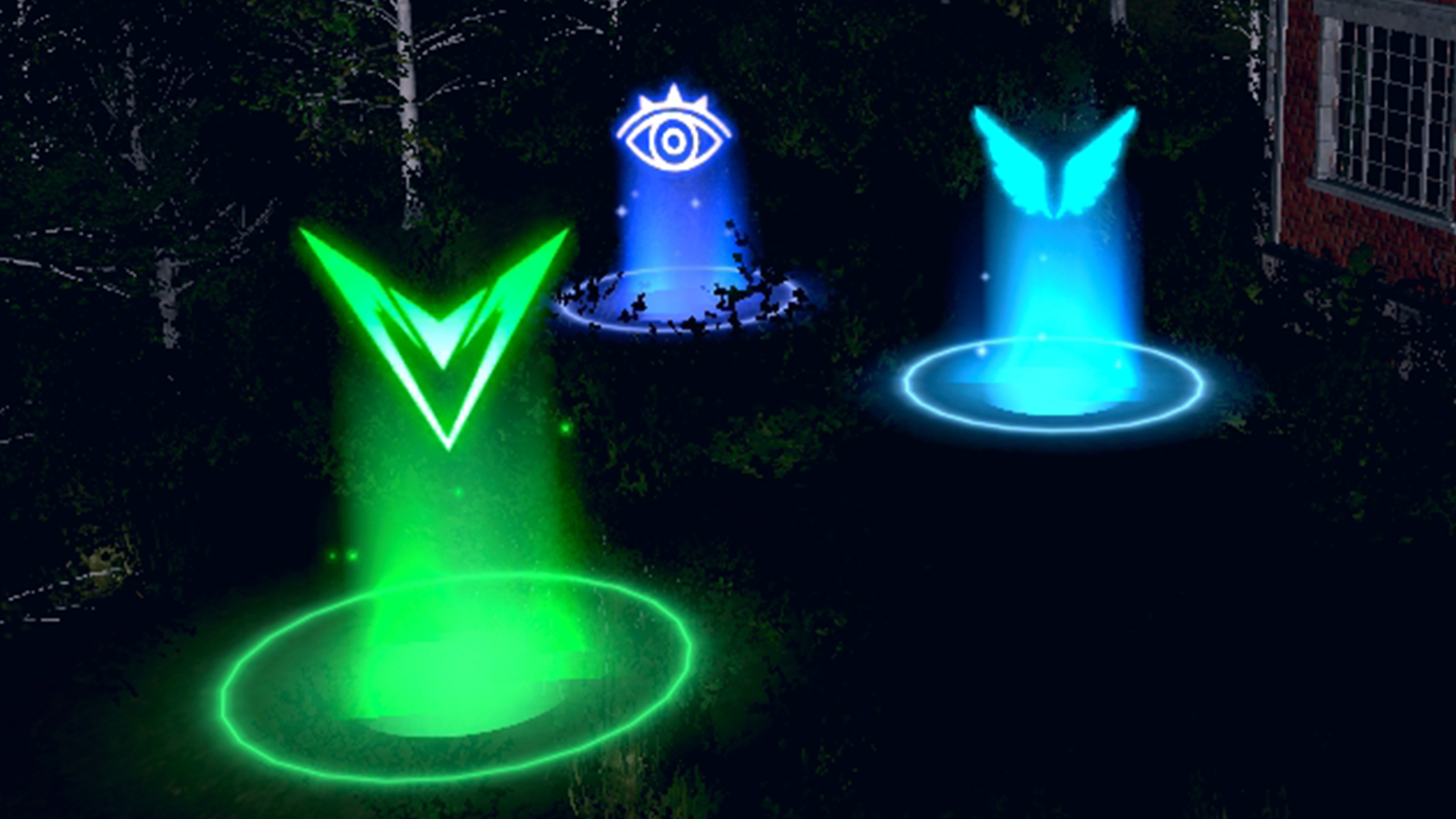
Players
How to enhance player navigation and gameplay with spawn points, checkpoints, and teleporters.
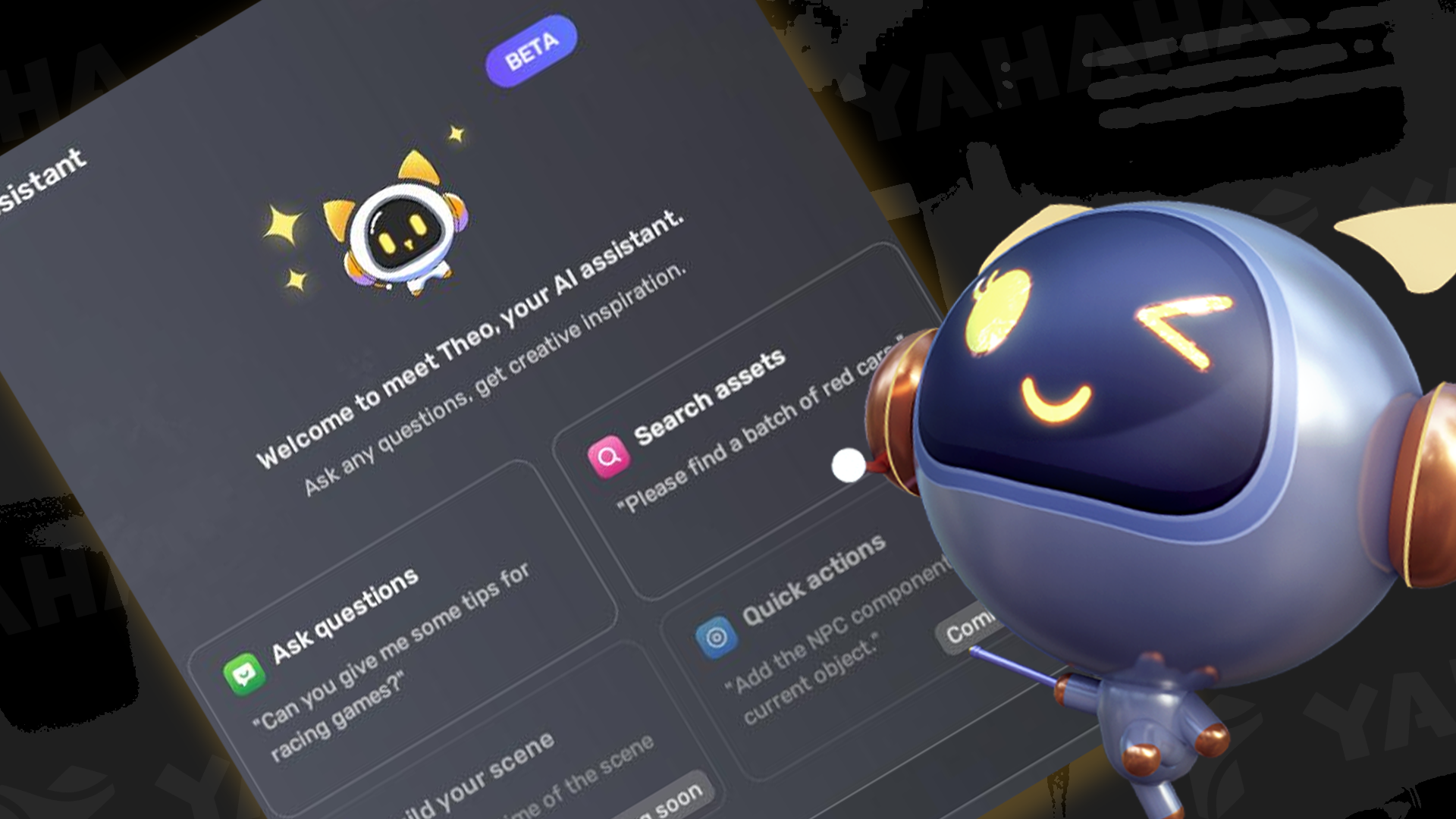
AI assistant
Theo: Your AI assistant for instant game ideas, locating assets, and generating scenes and 3D objects.
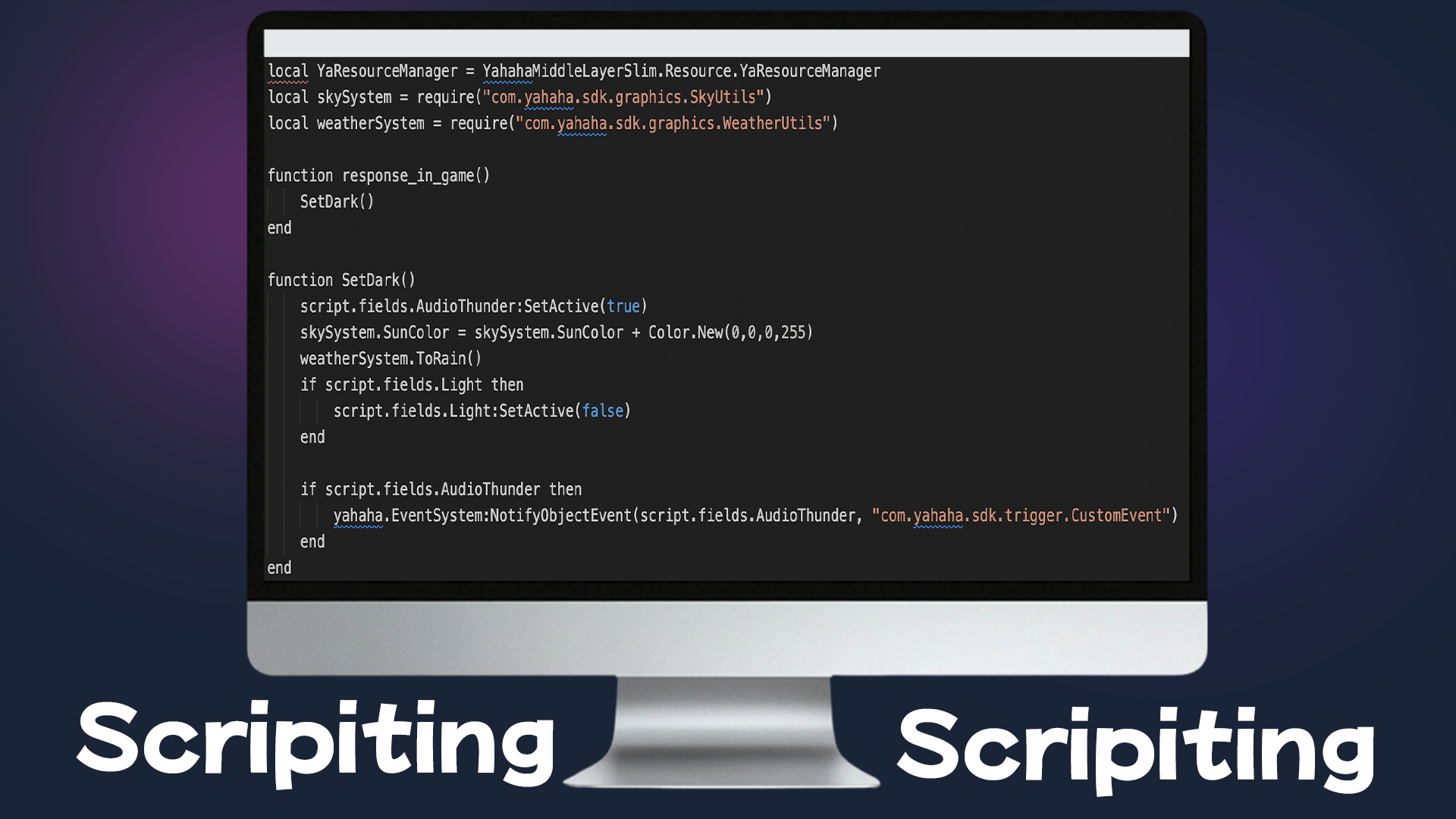
Scripting
Write scripts to implement gameplay logic and event handling.
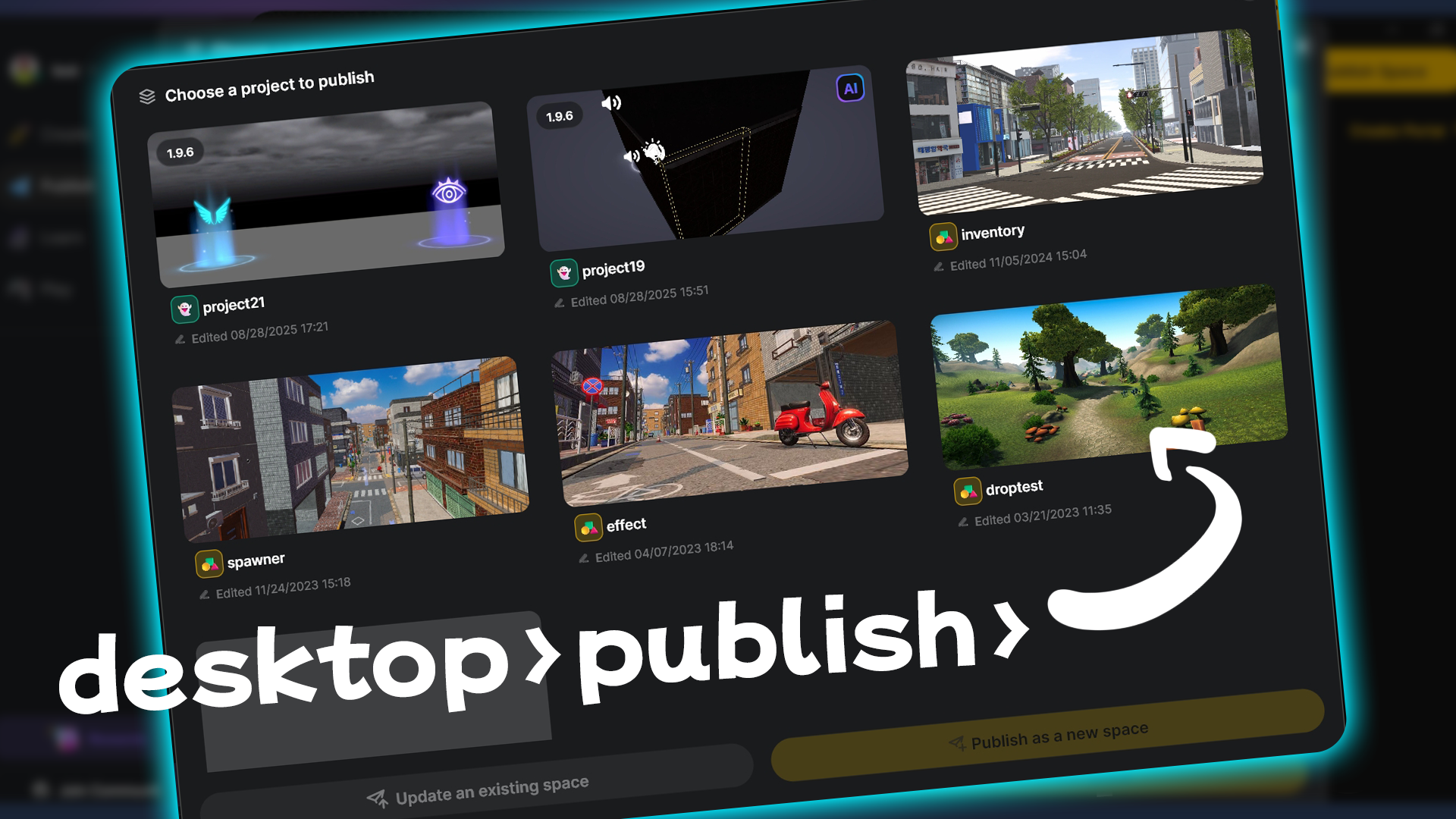
Publishing
Prepare and publish your projects for sharing or distribution across supported platforms, and make your assets available to all community creators.
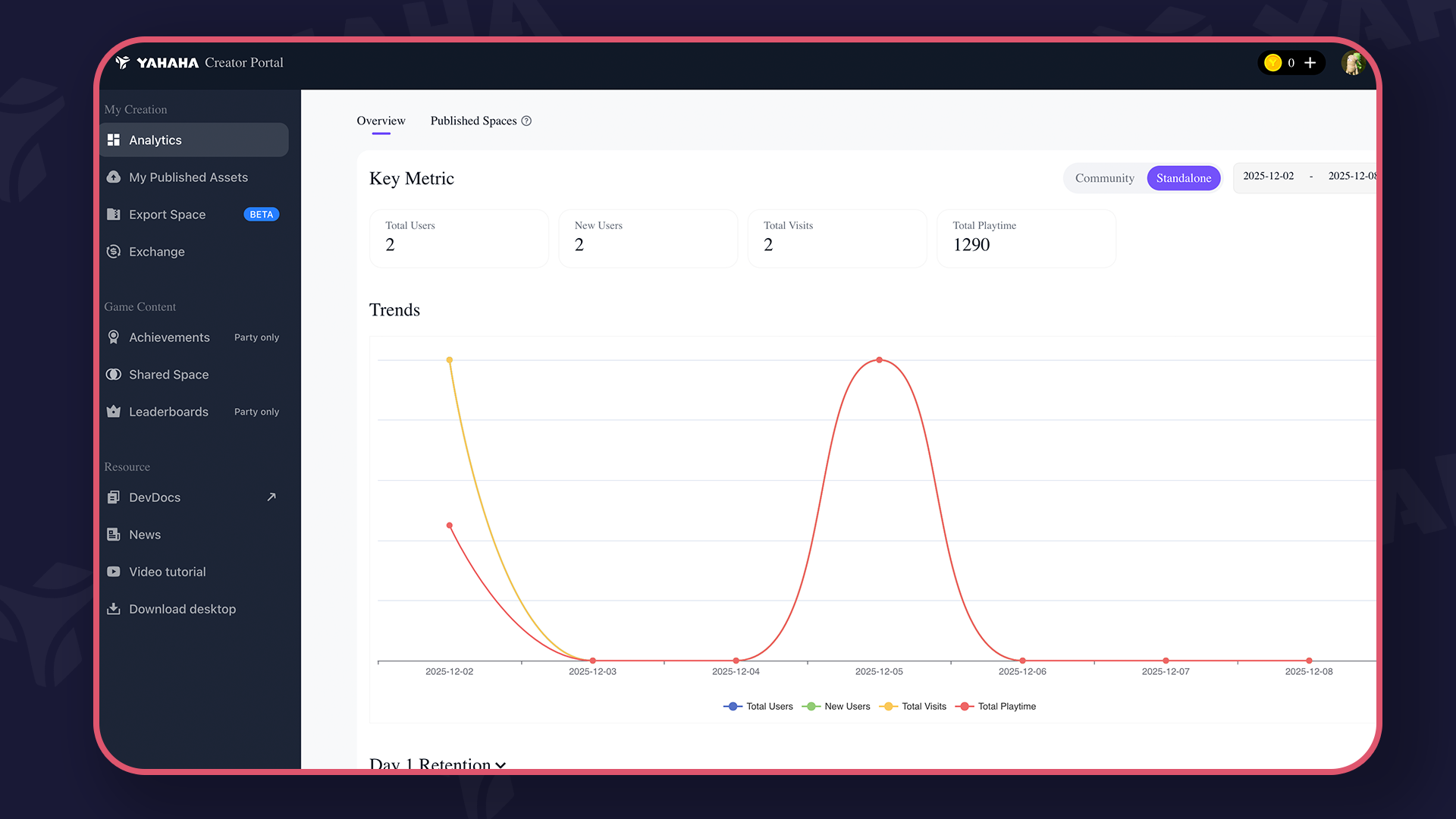
Monetization and analytics
Integrate monetization options and monitor player engagement with analytics.
Resources
Discover downloads, release notes, Unity adaptation tutorial, and official community contacts.
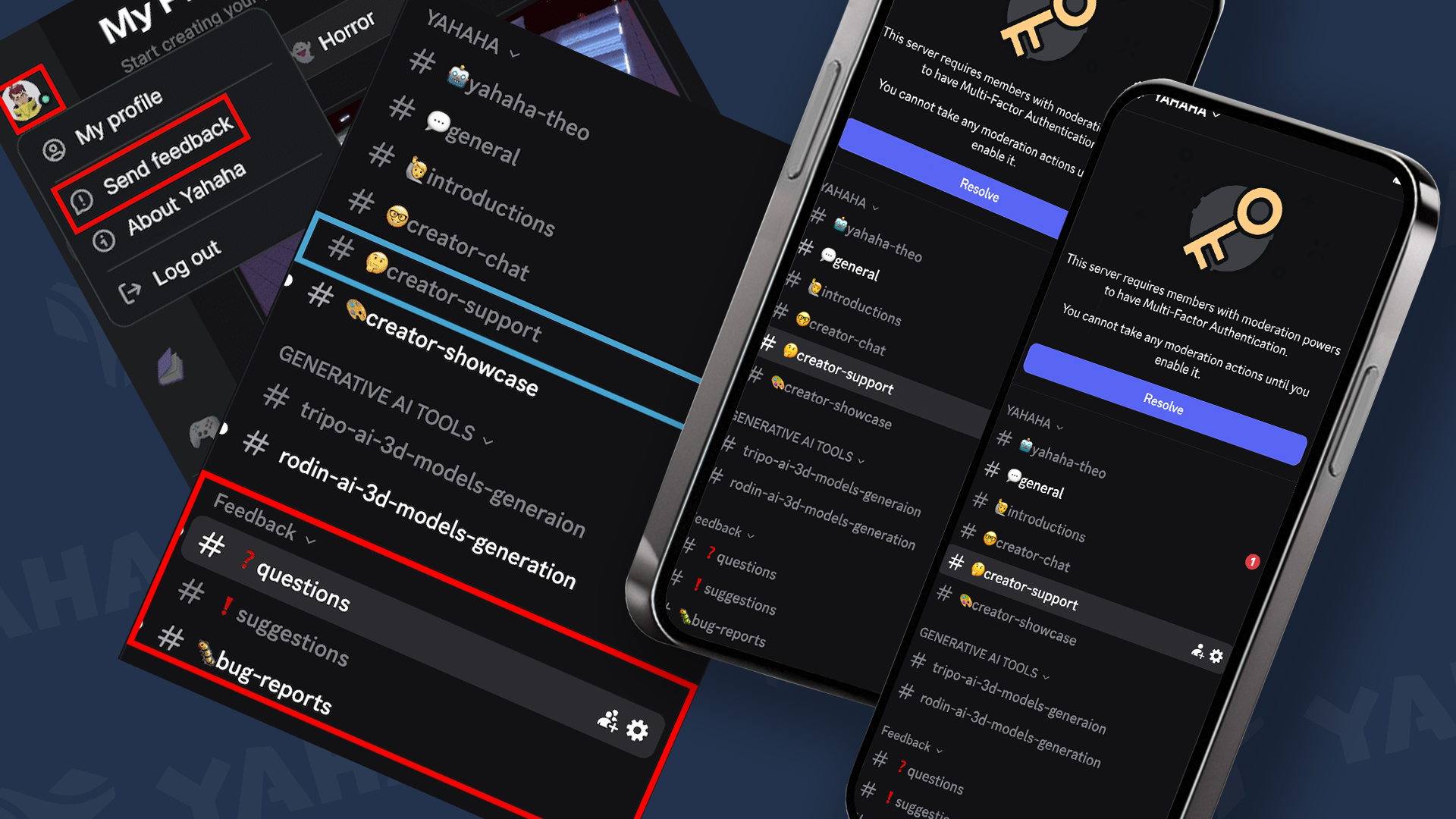
Support
Rely on official channels and communities for help.
To create your first game
Download and install Yahaha
To get started, download and install Yahaha installer.
To learn steps to get started with using Yahaha, see the onboarding tutorial Making a simple game.
Sample projects
For this guide, all three video tutorials are based on the Party Game Kit.
Watch video tutorials to create a racing game, a monster hunt game, a 2D level game and more.
Core concepts
To quickly get familiar with Studio, start with Studio interface, Environment, and Gameplay scripting.
Forum
To keep up with what’s learn and expand your knowledge with community tutorials, check out Staff announcements and Community tutorials.
Social media
Join our Discord server, subscribe our Youtube channel and follow us on Medium. For a list of our social contacts, go to Community.